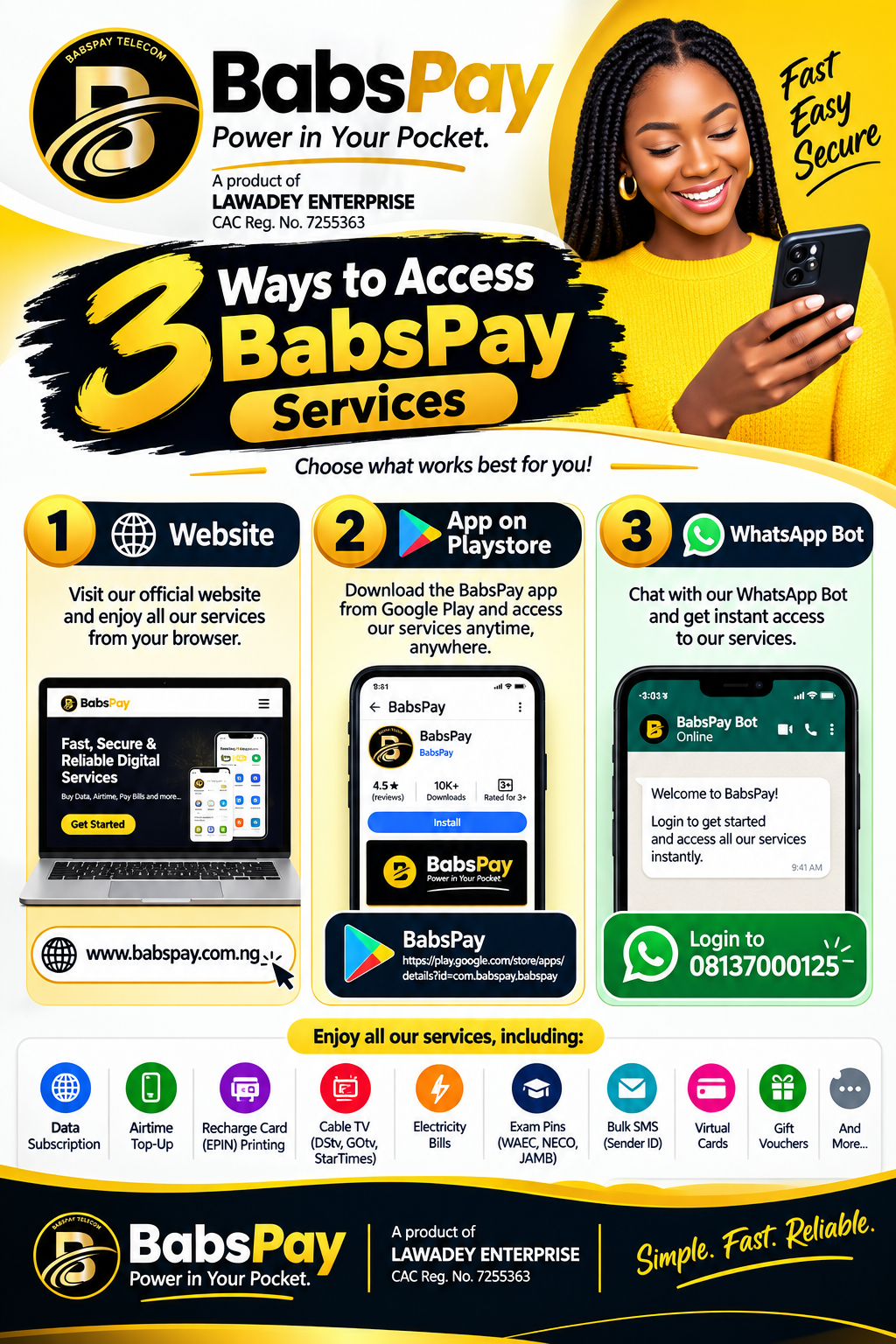
Welcome to BabsPay — your all-in-one digital payments and VTU platform in Nigeria. Whether you are using BabsPay for personal convenience or managing an active reselling business, this comprehensive step-by-step tutorial will show you exactly how to use every feature with ease.
What We Will Cover:
1. Account Registration & Setting Your Security PIN
To enjoy seamless transactions on BabsPay, your first step is opening an account:
- Navigate to BabsPay.com.ng/register or open the mobile app.
- Input your First Name, Last Name, Email Address, and Active WhatsApp Phone Number.
- Choose a strong password (at least 8 characters including letters and numbers).
- Click Register. An instant email/SMS OTP verification will confirm your details.
- Once logged in, go to Profile & Settings to set your 4-digit Transaction PIN. This PIN protects your wallet and is required to approve all debits.
2. How to Fund Your Wallet Instantly
Before purchasing services, you need funds in your BabsPay wallet. We offer several automated instant funding channels:
Dedicated Virtual Bank Transfer (Recommended)
On your dashboard, look for your personal virtual bank account details (Monnify, PalmPay, Wema, or Kuda). Copy the account number, open your bank mobile app, and make a transfer. Your wallet is credited automatically within 10 seconds!
Online ATM Card / USSD Payment
Click on Fund Wallet, enter your desired amount, choose Card / USSD Payment, and complete checkout securely via our PCI-DSS certified gateway.
3. How to Buy Cheap Internet Data
BabsPay offers the fastest and cheapest SME, Gifting, and Corporate data bundles in Nigeria. Here is how to purchase:
- From your dashboard, click on Data Bundle (/dashboard/data).
- Select your preferred network provider: MTN, Airtel, Glo, or 9mobile.
- Select the Data Plan Type:
- SME Data: Highly affordable 30-day plans (especially on MTN).
- Gifting Data: Official network gifting bundles directly from telecom operators.
- Corporate Gifting: Best for bulk business users.
- Choose the bundle size (e.g. 1GB, 2GB, 5GB, 10GB, or 20GB).
- Enter the recipient's 11-digit phone number. (Tip: You can pick directly from your phone contacts or saved beneficiaries).
- Enter your 4-digit Transaction PIN and click Buy Data.
The data is credited to the phone number in less than 5 seconds!
---4. How to Buy Discounted Airtime
Never pay full price for airtime again. When you recharge on BabsPay, you get an immediate discount on every transaction:
- Click on Airtime Top-Up on the dashboard.
- Choose your network and enter the recipient's phone number.
- Type the amount (e.g. ₦1,000). The system will automatically show the discounted amount deducted from your wallet (e.g., only ₦970 or ₦980!).
- Enter your PIN to confirm. The airtime is delivered instantly.
5. Paying Electricity & Cable TV Bills
No more long queues or delayed tokens. With BabsPay, bill payments are instant and verified:
Electricity Tokens (Prepaid & Postpaid):
- Navigate to Electricity Bills.
- Select your Distribution Company (Disco) — e.g. Ikeja Electric, Eko Electric, Abuja, Ibadan, etc.
- Enter your Meter Number and click Validate Meter. BabsPay will look up the registered customer name to guarantee you are paying the correct account.
- Enter the amount, verify your PIN, and receive your 20-digit prepaid token immediately on screen and via SMS.
Cable TV Subscriptions (DStv, GOtv, StarTimes):
- Click Cable TV.
- Select provider (DStv, GOtv, or StarTimes).
- Enter the IUC / Smartcard Number. Click Verify IUC to confirm the subscriber name and current bouquet.
- Select your preferred renewal package and authorize with your PIN. Your decoder reactivates in seconds!
6. Performing NIN & BVN Verification
Need to verify a customer or tenant's identity? BabsPay connects directly with official identity registries:
- Go to Identity Services.
- Select NIN Verification or BVN Verification.
- Enter the 11-digit number and click Verify. The verified name, date of birth, and identity confirmation will be displayed instantly, with an option to download or print an official verification slip.
7. Important Security Tips
Keep Your BabsPay Account Safe
- Never share your 4-digit PIN: BabsPay staff will never ask for your password or PIN.
- Enable 2FA: Turn on Two-Factor Authentication in your security settings for an extra layer of protection.
- Confirm Recipient Numbers: Always double-check phone numbers before hitting the final purchase button.
Need Assistance? We're Here 24/7!
If you ever have questions or need assistance, our support team is available around the clock via live WhatsApp chat or email at support@babspay.com.ng.
Experience Fast, Reliable Top-Ups with BabsPay
Everything you need for seamless telecom, bill payments, and reselling is right at your fingertips.
Go to Dashboard